
Author: CJ
-

By: CJ Most digital screens are designed to produce bright, colourful images that respond instantly to every touch. E-Ink displays take a different approach, using tiny charged particles to create text and images that remain visible without continuously powering the display. The technology offers two important advantages: a reading experience that resembles printed paper and…
-

By: CJ Phone battery degradation is a normal part of owning a smartphone, but it explains more than simply why your device needs charging more often. As a lithium-ion battery ages, its ability to store energy gradually decreases, and it may become less capable of delivering power during demanding tasks. Heat, charging patterns, and everyday…
-

By: CJ Noise-cancelling headphones can make a noisy commute feel quieter, reduce the steady rumble of an airplane cabin, or help someone concentrate in a busy office. Yet they do not work by simply turning down every sound around the listener. Their effectiveness depends on how sound travels, how microphones detect it, and how the…
-
By: CJ Understanding how passkeys work starts with public-key cryptography. Instead of sending a password to a website, a passkey uses a pair of cryptographic keys to verify a user’s identity. The private key stays protected by the user’s authenticator, while the website uses the corresponding public key to confirm that the sign-in is legitimate.…
-
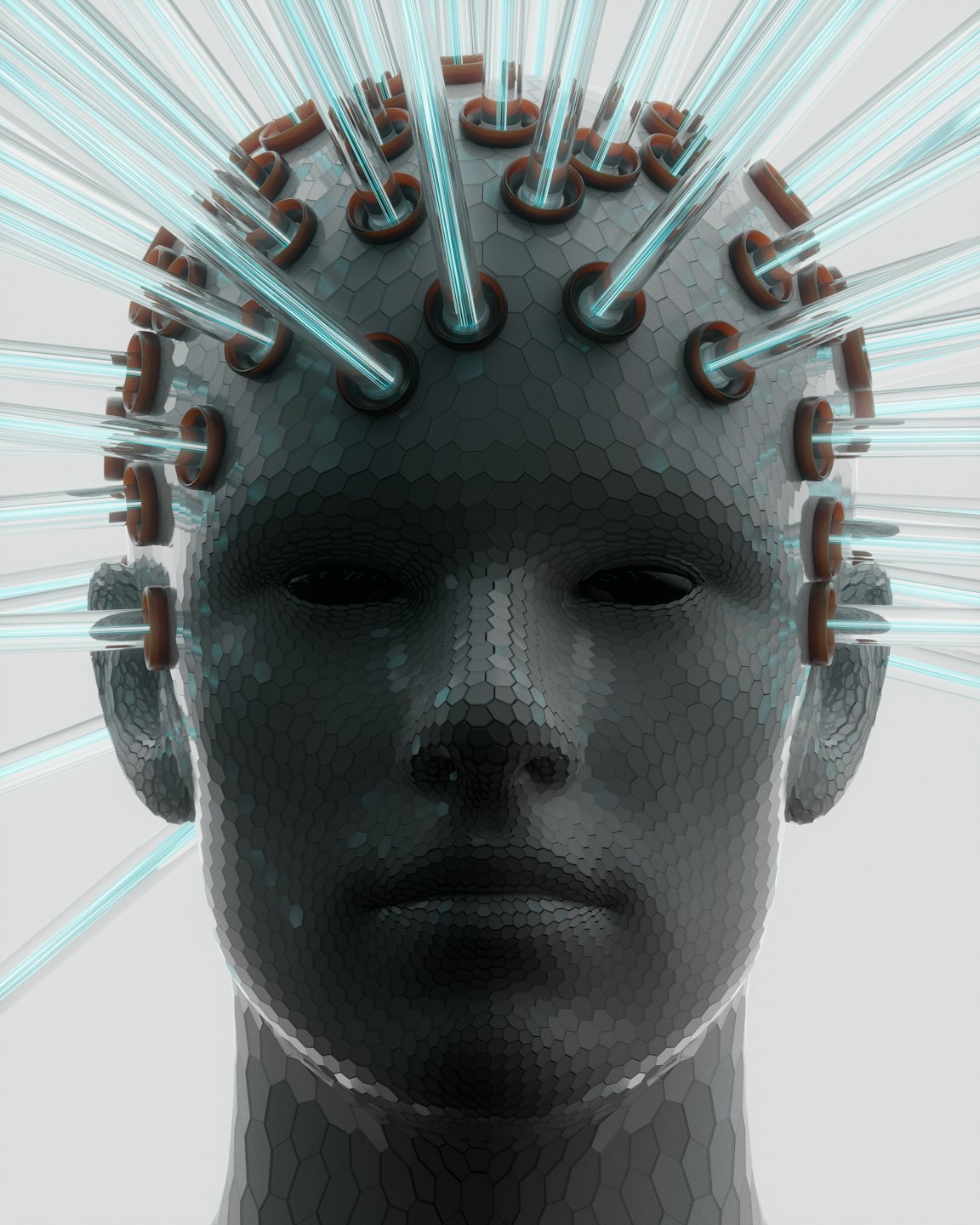
By: CJ Long articles, research papers, meeting transcripts, and business reports can contain far more information than someone has time to read in one sitting. AI summarization tools attempt to solve this problem by turning lengthy material into shorter versions that preserve the information most relevant to the reader. Instead of manually reviewing every paragraph,…
-

By: CJ LLM personal information retrieval is the process of finding relevant details from a user’s conversations, saved memories, documents, or connected services so that an AI assistant can answer questions using information specific to that person. Large language models (LLMs) can generate text and interpret questions, but they do not automatically have access to…
-

By: CJ Vector databases are specialized data storage systems that help AI applications find information by comparing numerical representations of meaning rather than relying only on exact word matches. They are particularly useful when an AI assistant needs to search through large collections of notes, documents, meeting transcripts, or other text to locate information relevant…
-

By: CJ Personal notes rarely begin as neatly organized records. A quick thought might be typed into a phone while walking to class, a meeting decision might be buried inside a long paragraph, and an important deadline might appear beside an unrelated reminder. Over time, these fragments accumulate until finding one specific detail becomes almost…
-

By: CJ Brain-computer interfaces allow people to control digital systems using signals associated with brain activity, creating a communication pathway between the human nervous system and a computer. Instead of relying entirely on a keyboard, touchscreen, or spoken command, a person may be able to move a cursor, select letters, or operate an assistive device…
-

By: CJ Professionals increasingly work across documents, emails, meetings, research materials, project plans, and digital conversations. The challenge is not always finding information for the first time. It is remembering where useful information was saved, understanding how it relates to current work, and retrieving it when a decision needs to be made. Second brain apps…